Stensul
Stensul은 이메일 마케팅 담당자가 모바일 반응형 온브랜드 이메일을 Stensul에서 구축한 후 캠페인 생성을 위해 실시간으로 Braze로 전송할 수 있는 도구를 제공합니다.
This integration is maintained by Stensul.
About the integration
The Braze and Stensul integration allows you to export your HTML-formatted Stensul emails and upload them as templates within Braze.
Prerequisites
| Requirement | Description |
|---|---|
| Stensul account | A Stensul account is required to take advantage of this partnership. |
| Braze REST API key | A Braze REST API key with full Templates permissions. This can be created in the Braze dashboard from Settings > API Keys. |
| Cluster instance | Your Braze cluster instance aligns with your Braze dashboard and REST endpoint. |
Integration
Provide your Braze REST API key and cluster instance to your Stensul customer success team. The team will then set up the initial integration for you.
This is a one-time setup and any exports in the future will automatically utilize this API key.
Step 1: Create Stensul email
Create a Stensul email in the Stensul platform and click Complete.

2단계: Export template to Braze
In the new dialogue that appears on the completion page, select Upload to ESP.

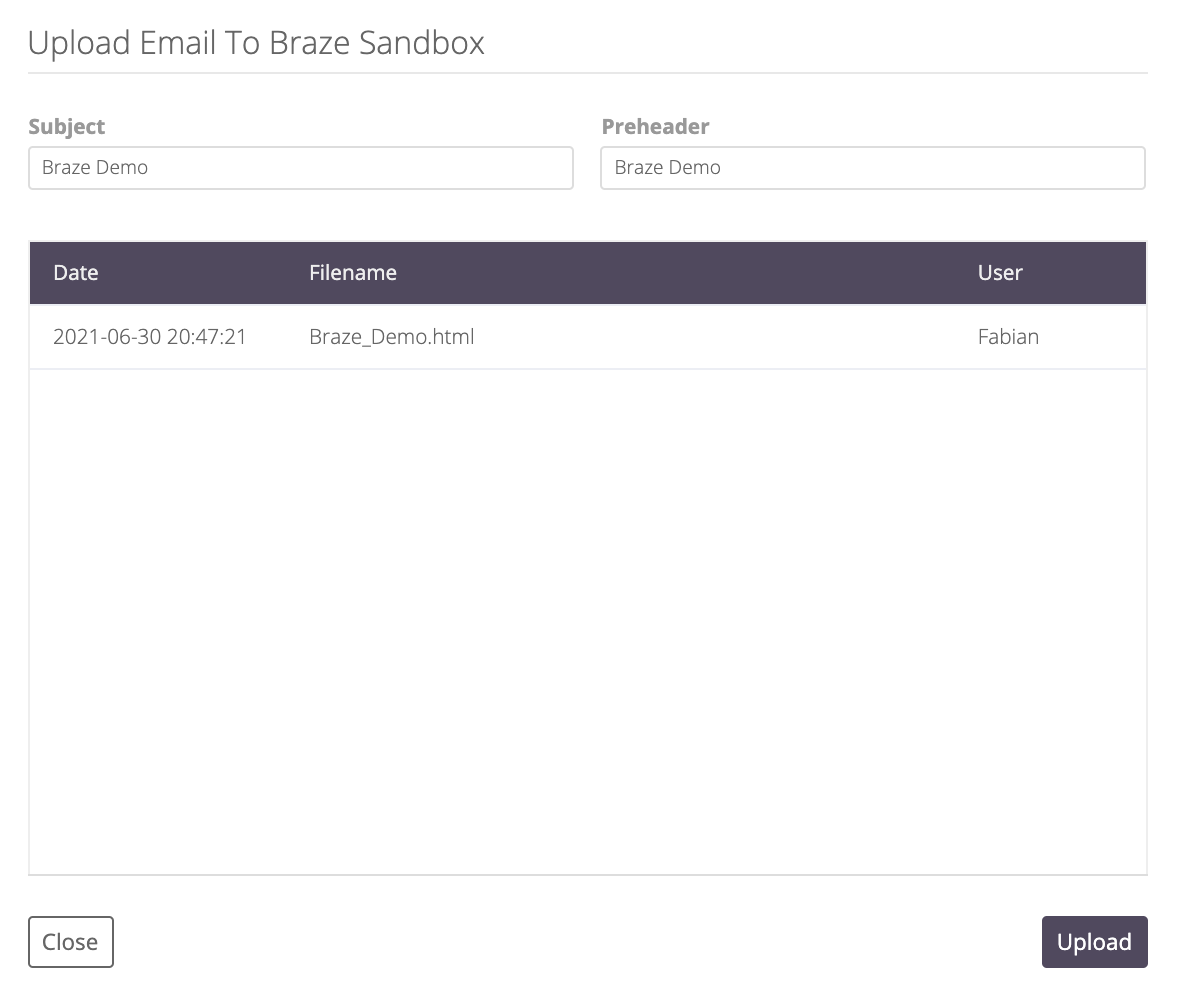
Next, enter the template name, subject, and preheader for your email and select Upload. You will then receive a confirmation that the upload was successful and a history of past uploads of the file, if applicable.
Usage
Braze 계정의 템플릿 & 미디어 > 이메일 템플릿 섹션에서 업로드한 Stensul 템플릿을 찾으세요. You can now use this email template to start sending engaging email messages to your customers!
 GitHub 에서 이 페이지를 편집합니다.