Adikteev Churn Prediction
Adikteev is a user-retention engine that combines churn prediction with full-service app retargeting.
This integration is maintained by Adikteev.
통합 정보
The Braze and Adikteev integration allows you to boost user retention by leveraging Adikteev’s churn prediction technology within Braze CRM campaigns to target high-risk user segments in priority.
Prerequisites
| Requirement | Description |
|---|---|
| Adikteev account | An Adikteev account is required to take advantage of this partnership. |
| Braze REST API key | A Braze REST API key with the permission users.track. This can be created in the Braze dashboard from Settings > APIs and Identifiers. |
| Braze REST endpoint | Your REST endpoint URL. Your endpoint will depend on the Braze URL for your instance. |
사용 사례
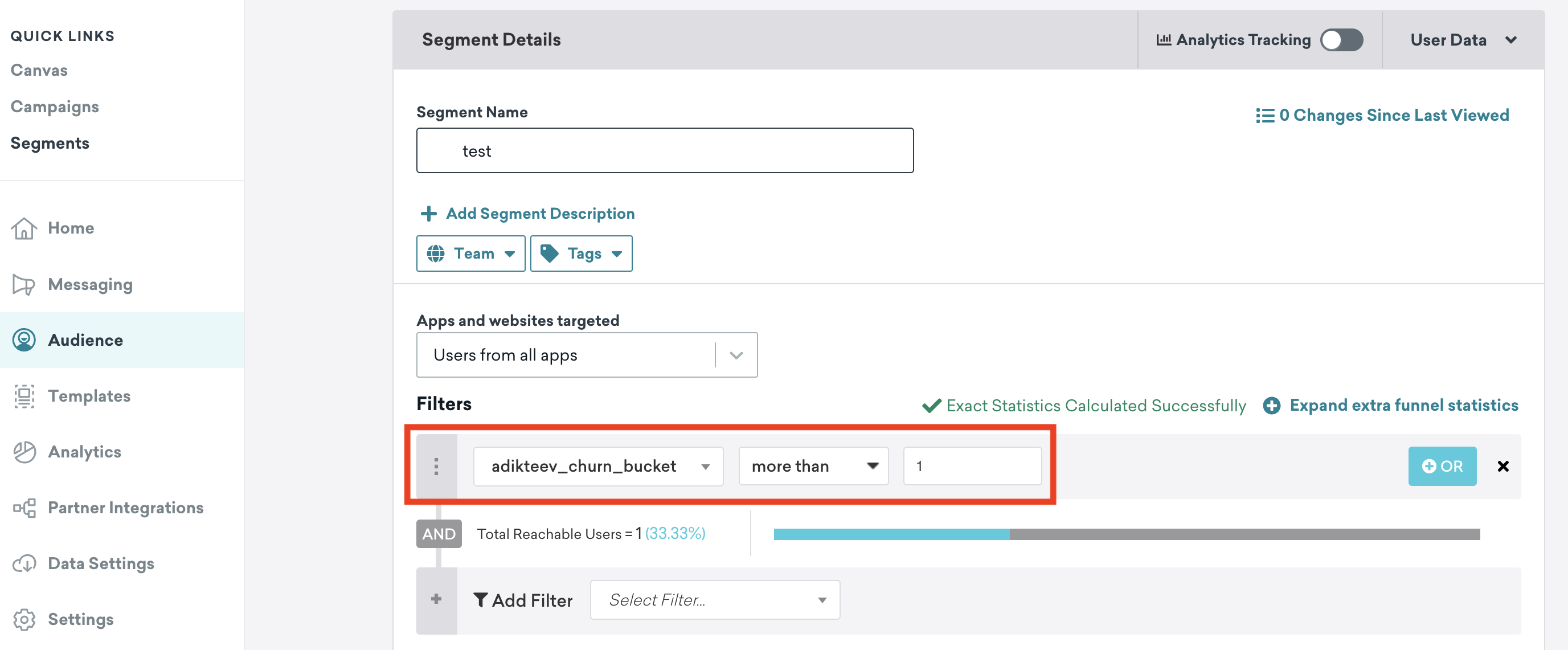
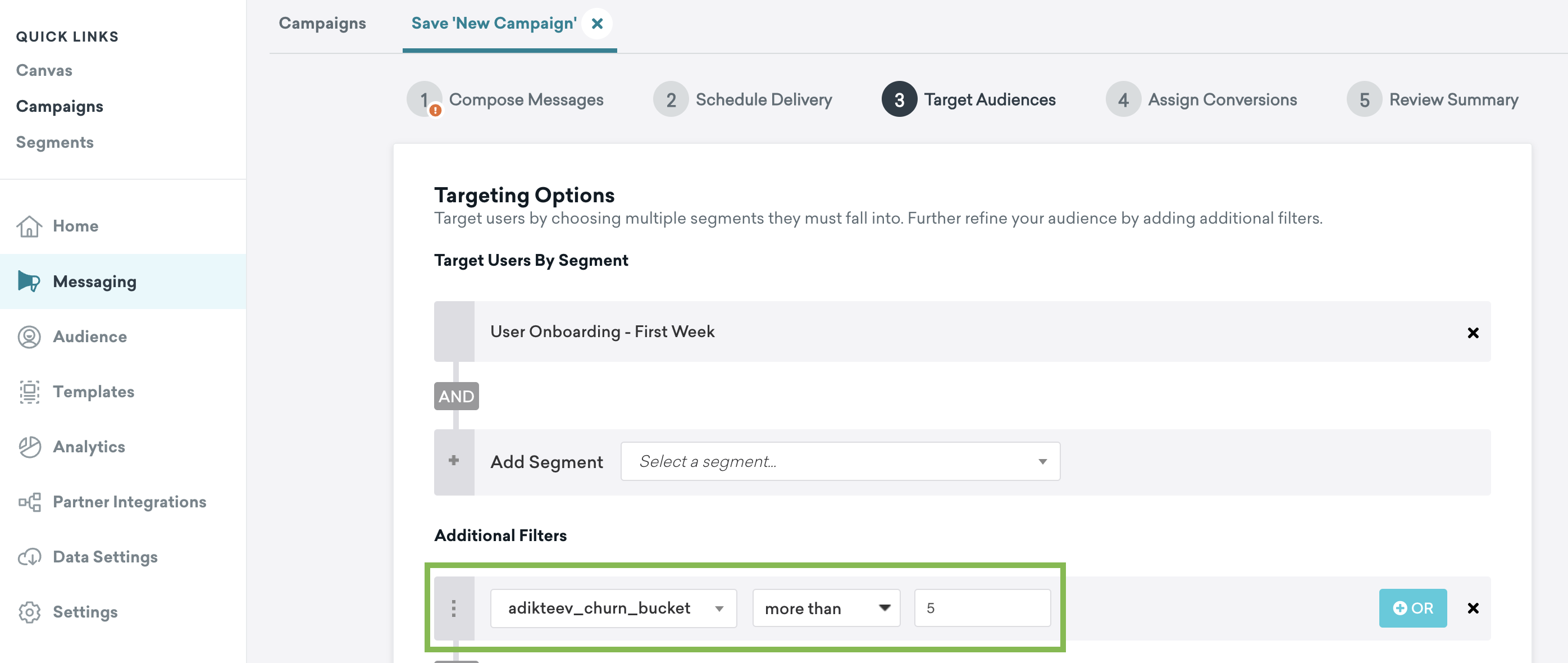
Refinement of your audience segments based on churn risk.
The names and values of custom attributes sent by Adikteev are configurable.
Integration
Step 1: Share the event stream of your app
To start running churn prediction on your app audience, Adikteev will need you to turn on event postbacks from your mobile measurement platform. Follow the guidelines on Adikteev support website to set this up.
Step 2: Create your Braze REST API Key
In Braze, navigate to Settings > APIs and Identifiers. Select Create New API Key, enter the API Key Name of your choosing and make sure that the following permission is added:
users.track
Step 3: Provide information to the Adikteev team
To complete the integration, you must provide your REST API key and REST endpoint URL to your Adikteev account manager. Adikteev will establish the connection and contact you after the setup is complete to validate the integration.
Batching and rate limits
The user.track endpoint is used to update details about your users. See the API documentation for full details about the endpoint’s rate limits, batching requests, and request details.
Remember, API calls should only be done to update data that has changed in order to reduce the number of API calls overall. In other words, only update users where the churn segment has changed.
User and device identifiers
User profiles in Braze can be associated with any type of user or device identifiers; the list of options available depends on how you have integrated data collection with Braze. For Adikteev, you will need to find a common identifier between the your MMP and your user profiles in Braze in order to send the churn segment information properly.
Data retention and deletion
If no update is made, the attribute and its value are kept indefinitely in Braze user profiles.
To remove a profile attribute, set it to null.
Request Payloads
The payload sent from Adikteev to Braze is customizable and can be configured to suit the customer’s needs. This includes configuring the identifiers used, the name of the custom attribute, and whether Adikteev can create new users in Braze or only update existing users.
Support and troubleshooting
Contact your Adikteev account manager for any questions related to the integration or for any support with your use cases.
 GitHub 에서 이 페이지를 편집합니다.