Treasure Data
Treasure Data is a customer data platform (CDP) that collects and routes information from multiple sources to a variety of other locations in your marketing stack.
The Braze and Treasure Data integration allows you to write job results from Treasure Data directly to Braze, letting you:
- Map external IDs: Map IDs to the Braze user account from your CRM system.
- Manage opt-out: When an end-user updates their consent choosing not to participate.
- Upload your tracking of events, purchases, or custom profile attributes. This information can help you build precise customer segments that enhance the user experience for your campaigns.
Prerequisites
| Requirement | Description |
|---|---|
| Treasure Data account | A Treasure Data account is required to take advantage of this partnership. |
| Braze REST API key | A Braze REST API key with users.track, users.delete, users.alias.new, users.identify permissions.This can be created in the Braze dashboard from Settings > API Keys. |
| Braze REST endpoint | Your REST endpoint URL. Your endpoint will depend on the Braze URL for your instance). |
Use cases
You can synchronize your consolidated customer profiles from Treasure Data into Braze to build-out target segments. Treasure Data supports first-party cookie data, Mobile IDs, third-party systems like your CRM, and many more.
Integration
Step 1: Create a new connection
In Treasure Data, navigate to the Catalog under the Integrations Hub and search for and select Braze.
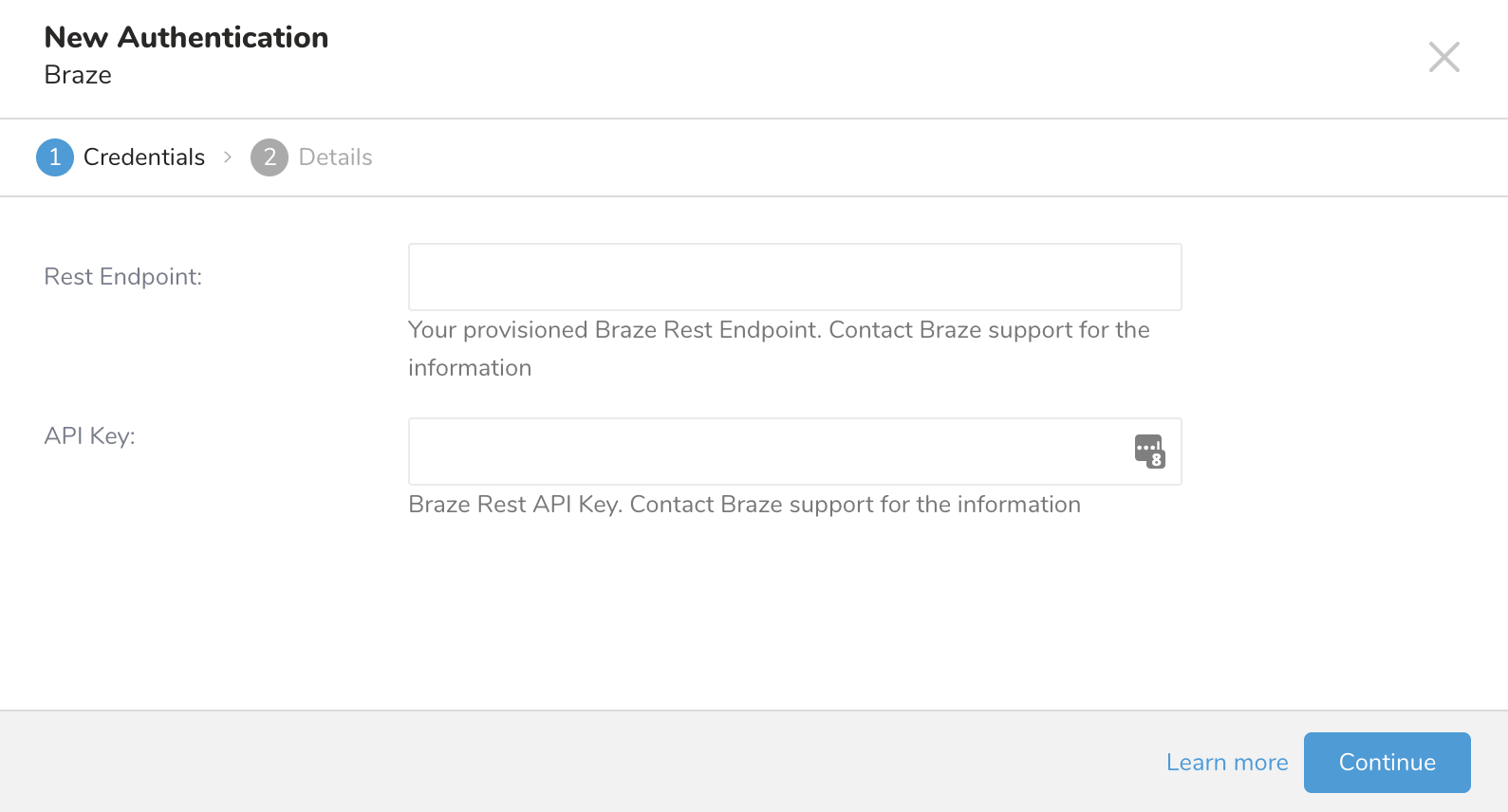
In the New Authentication prompt that shows up, name your connection and provide your Braze REST API key and REST endpoint. Select Done when finished.
2단계: Define your query
In Treasure Data, navigate to Queries under your Data Workbench and select a query for which you would like to export data. Run this query to validate the result set.
For users using HIVE to build queries, HIVE requires that any columns or tables that begin with an underscore be wrapped by backquotes. For example, _merge_objects.
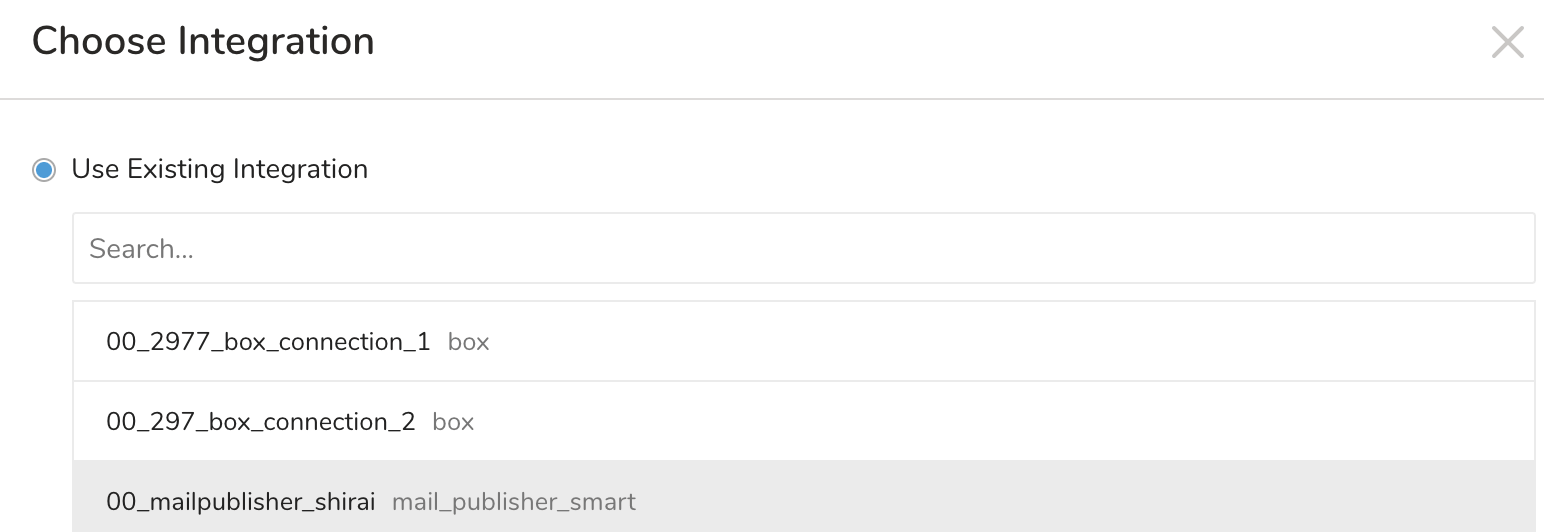
Next, select Export Results and select an existing integration authentication.
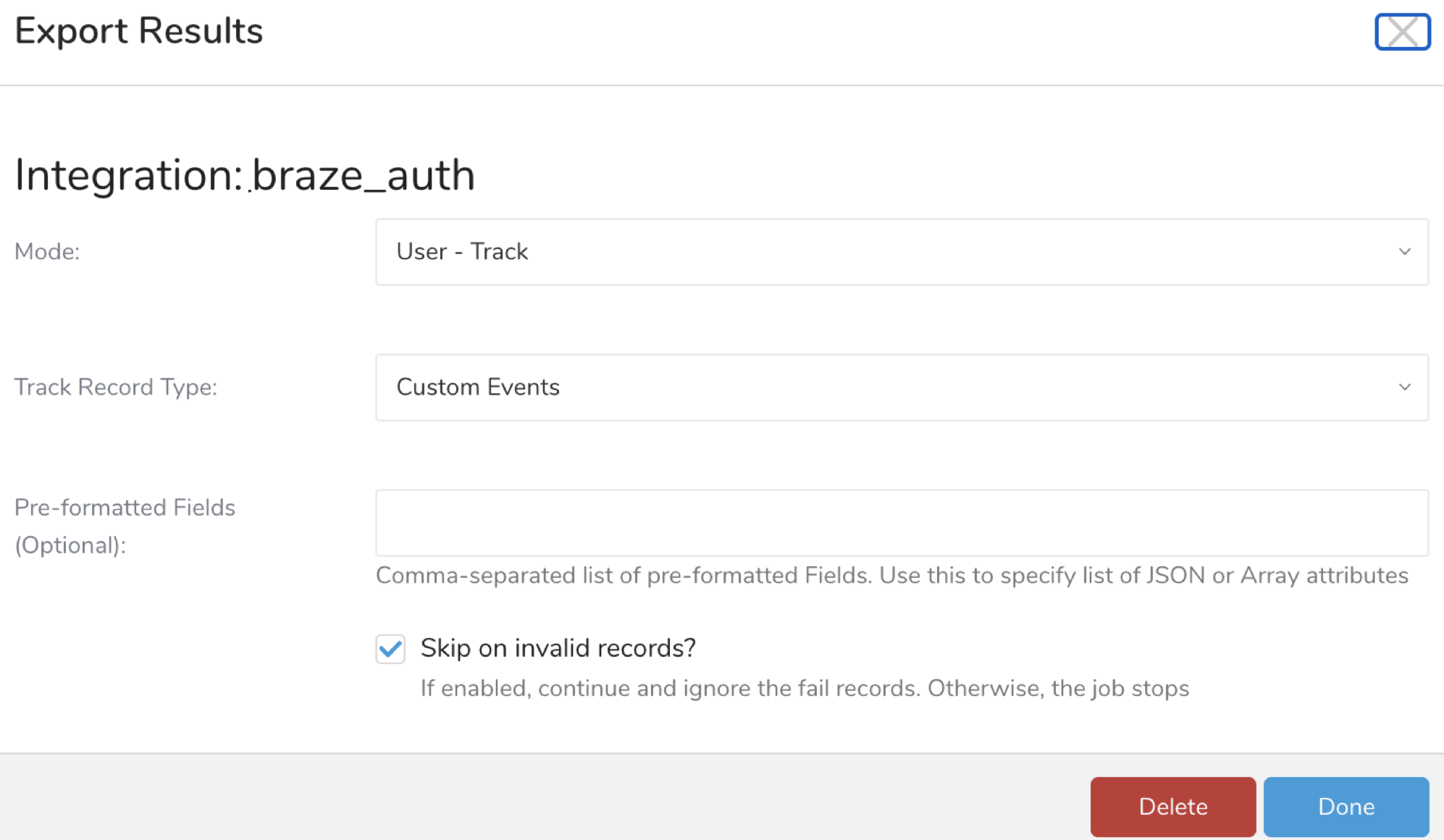
Define additional export results parameters as outlined in the following customization section. In your export integration content, review the integration parameters.
마지막으로, 완료를 선택하고 쿼리를 실행한 다음, 데이터가 Braze로 이동했는지 확인합니다.
Customization
The export results parameters are included in the following table:
| Parameter | Values | Description |
|---|---|---|
mode |
User - New Alias User - Identifying User - Track User - Delete |
Connector mode |
pre_formatted_fields |
String | Use for array or JSON columns to keep the format. |
track_record_type |
Custom Events Purchases User Profile Attributes |
Record type for User - Track mode |
skip_on_invalid_records |
Boolean | If enabled, continue and ignore any invalid records for the JSON column. Otherwise, the job stops. |
Visit Treasure Data for more information about pre-formatted fields, example queries, parameter details, and query export job scheduling.
Webhooks
Treasure Data users can ingest data through the public REST API. You can use Treasure Data to create custom webhooks into your data. To learn more, visit Treasure Data
 GitHub 에서 이 페이지를 편집합니다.